

 Download Android App
 Download iOS App



क्या है स्टप्स?
- अपने वेब ब्राउजर में Google Gemini खोलें। Google Account से लॉग इन हैं।
- आप Google Gemini App का इस्तेमाल भी कर सकते हैं।
- होमपेज पर, नई बातचीत शुरू करने के लिए ‘New Chat’ पर क्लिक करें।
- अब Plus पर क्लिक करके अपनी फोटो अपलोड करें। इसके नीचे अपना प्रॉम्प्ट डालें।
- अच्छी फोटो के लिए प्रॉम्प्ट क्लिर और detailed रखें। आप अच्छा प्रॉम्प्ट देंगे, रिजल्ट उतना ही बेहतर मिलेगा।
- ‘Enter’ दबाएं, और जेमिनी आपके लिए Photos तैयार कर देगा। अगर आपको रिजल्ट पसंद नहीं आते हैं, तो आप या
- तो अपने प्रॉम्प्ट को edit कर सकते हैं या जेमिनी से उन्हें ‘Re-generate’ करने के लिए कह सकते हैं।
Google Gemini Photo Editing Prompts
Prompt 1 (Create Cosy Monsoon Photos AI)
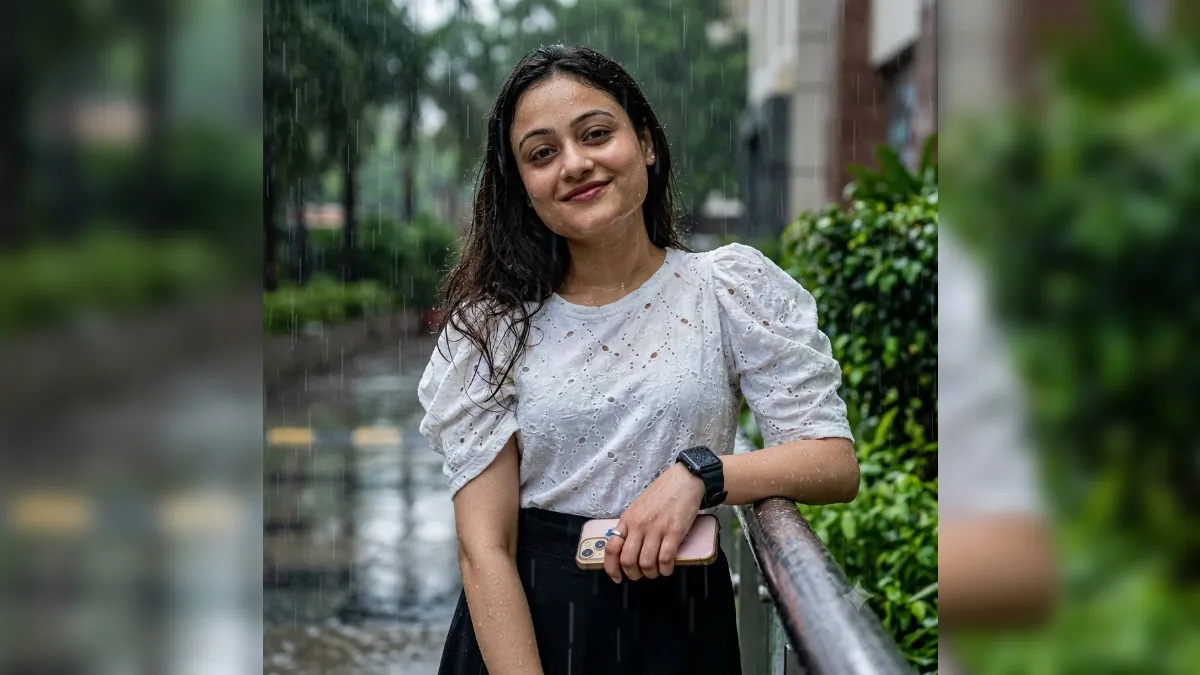
Prompt 2 (Step-by-step Rainy Day AI Photo Guide)
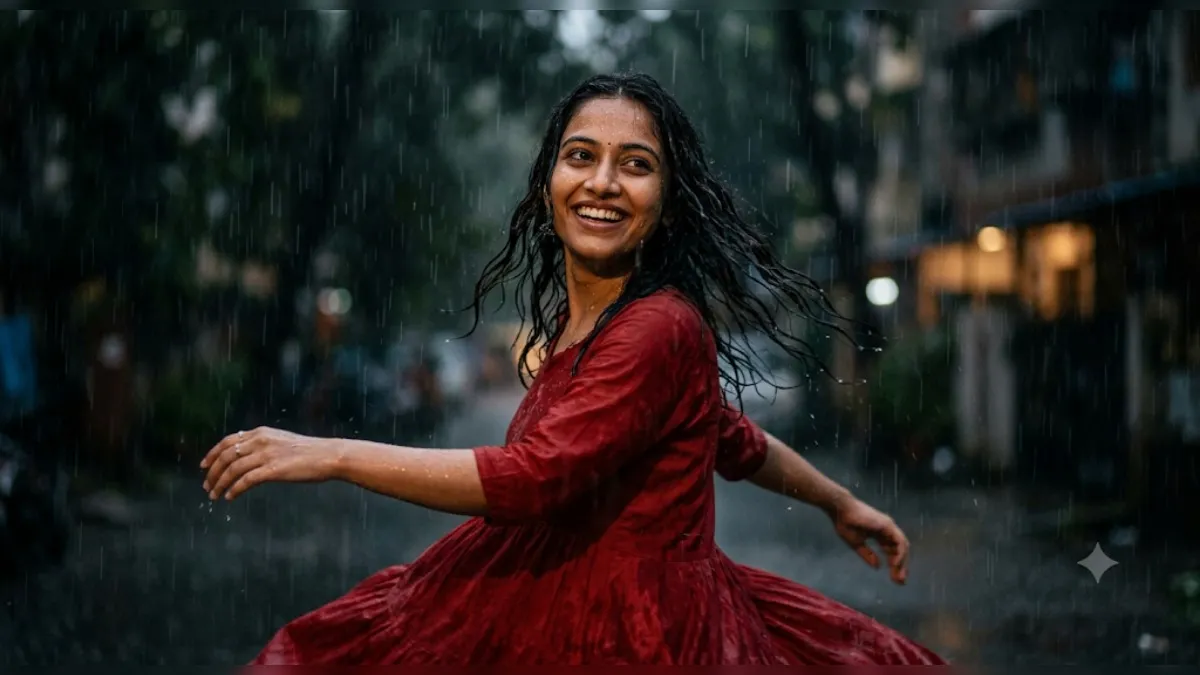
Prompt 3 (Cinematic Rainy Portrait AI)
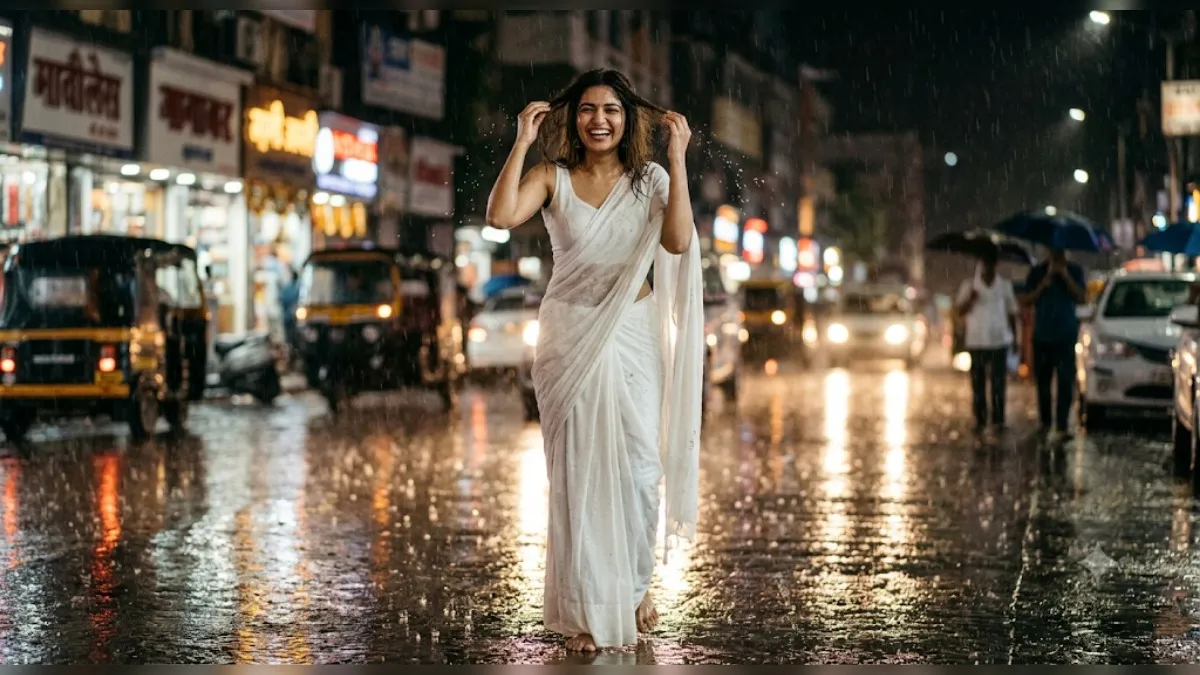
A hyper-realistic portrait of the young Indian woman from the uploaded image (Google Gemini refinement), medium full-body shot, enjoying rain on a city street at night. She smiles widely, eyes sparkling with joy, hands playfully brushing wet, dark brown hair from her face. Wearing a simple white sleeveless blouse and flowing white saree, naturally draped in the rain.
Prompt 4 (Rainy Day AI Prompts)
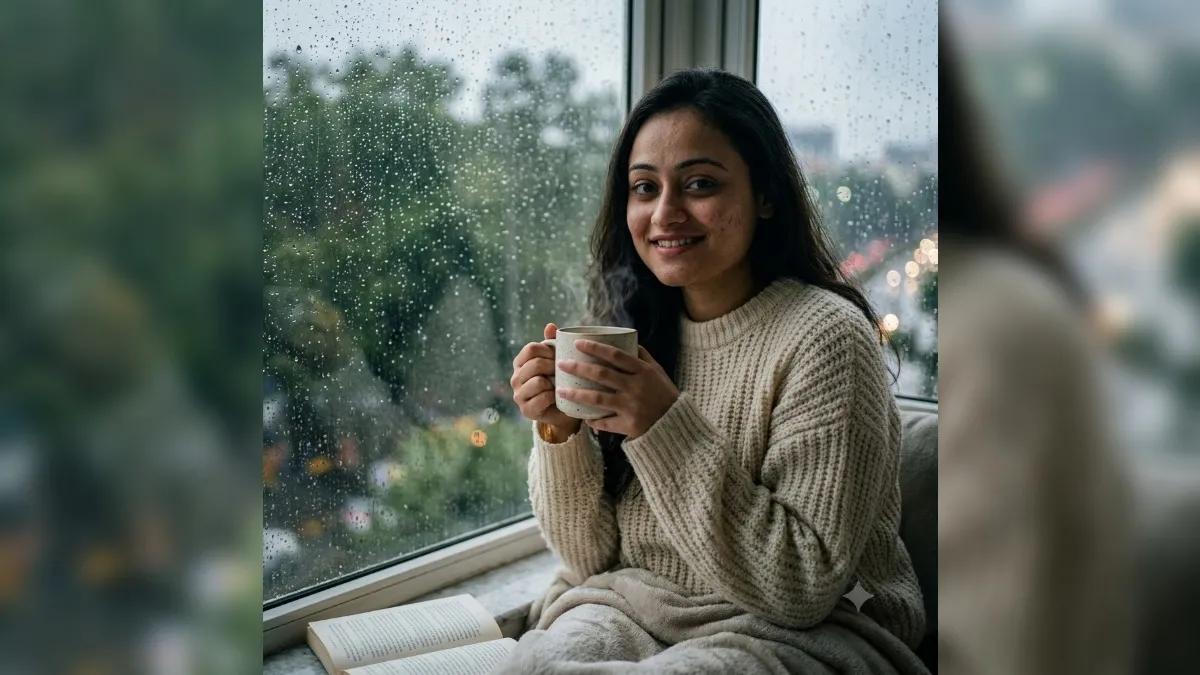
A highly realistic, photorealistic image of a person sitting by a large rain-soaked window, holding a ceramic mug of hot, steaming coffee. Natural window light (diffused and moody). Heavy rain falling outside with wet green trees and blurred city lights. A cozy aesthetic: thick knitted wool sweater, soft warm blanket, a book resting nearby. The atmosphere is warm and peaceful, contrasting the cool rainy weather outside. Shot on Sony A7III, 35mm lens, f/1.8 (creamy bokeh in background, sharp focus on face and mug). Natural skin texture, film grain, cinematic color grading.